
“This Video Has Been Restricted” – How to Fix Cloudflare IPTV Streaming Issues
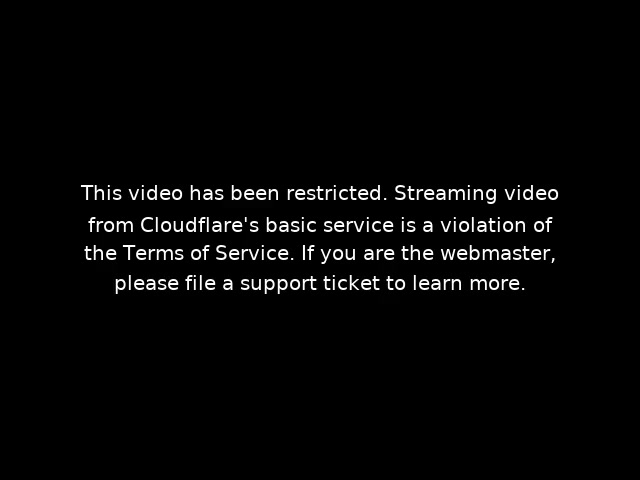
Many IPTV users across the United Kingdom, United States, and European Union occasionally face a frustrating streaming error ‘Video Restricted due to Cloudflare IPTV Error’ that looks like this:
“This video has been restricted. Streaming video from Cloudflare’s basic service is a violation of the Terms of Service.”
This issue has become increasingly common for IPTV users, especially during live sports events, prime-time viewing hours, or when accessing high-definition streams. If you are using B1G IPTV or similar IPTV services, understanding the cause of this error can help you resolve it quickly.
What Causes the Video Restricted Cloudflare Error ?
Most IPTV providers use domain-based servers to deliver live TV channels, movies, and series. To protect these servers from attacks and traffic abuse, providers often route domains through Cloudflare.
However, Cloudflare’s Free and Basic plans are not designed for continuous video streaming. When Cloudflare detects:
- Constant high data transfer
- Long-duration video sessions
- Large numbers of concurrent viewers
it automatically flags the domain as a streaming service. If the domain does not meet Cloudflare’s streaming policy requirements, Cloudflare may restrict or disable video delivery, resulting in the error message seen by B1g IPTV users.
This issue commonly appears in:
- The UK during Premier League, boxing, or PPV events
- The US during live sports and major broadcasts
- The EU during peak evening viewing hours
Why IPTV Users Are Affected (Not Your Fault)
Video Restricted due to Cloudflare IPTV Error is not caused by your internet connection, IPTV app, Firestick, Android TV, or Smart TV. It is a server-side limitation triggered by Cloudflare’s automated monitoring system.
When an IPTV provider’s domain exceeds allowed streaming limits, Cloudflare may:
- Temporarily block video delivery
- Suspend the linked domain
- Enforce stricter bandwidth controls
Even users with active subscriptions are affected instantly.
How B1G IPTV Users in the UK, US & EU Can Fix This Issue
As an IPTV end user, you cannot fix this directly, but the solution is simple and effective:
- Contact Your IPTV Provider (B1G IPTV Support)
Report the Cloudflare restriction error clearly. - Request a New Streaming Domain
Providers usually rotate domains to bypass restricted ones. - Ask for Cloudflare Reset or Server Migration
Many providers resolve the issue by resetting or upgrading their Cloudflare configuration. - Do Not Reinstall Apps or Change Devices
This will not resolve a server-level restriction.
Final Thoughts for B1G IPTV Users
Cloudflare streaming restrictions are a known and recurring issue in the IPTV industry worldwide. They do not indicate a problem with your device or subscription. The restriction simply means the streaming domain has exceeded Cloudflare’s permitted usage limits.
For users in the UK, US, and EU, the fastest and safest solution is to contact your IPTV provider immediately and request a new domain or server reset. Reliable IPTV providers typically resolve this issue quickly to restore uninterrupted service.